Page caching gets the headlines, but it can’t help a shopping cart, a checkout or a logged-in customer’s account page. That’s where object caching earns its keep.
What object caching does
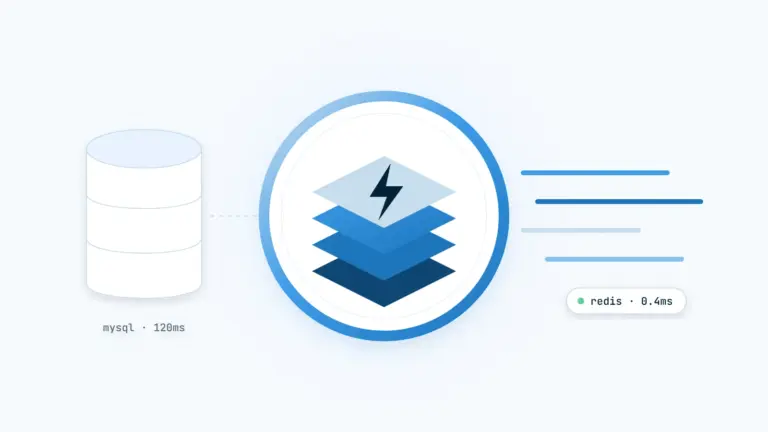
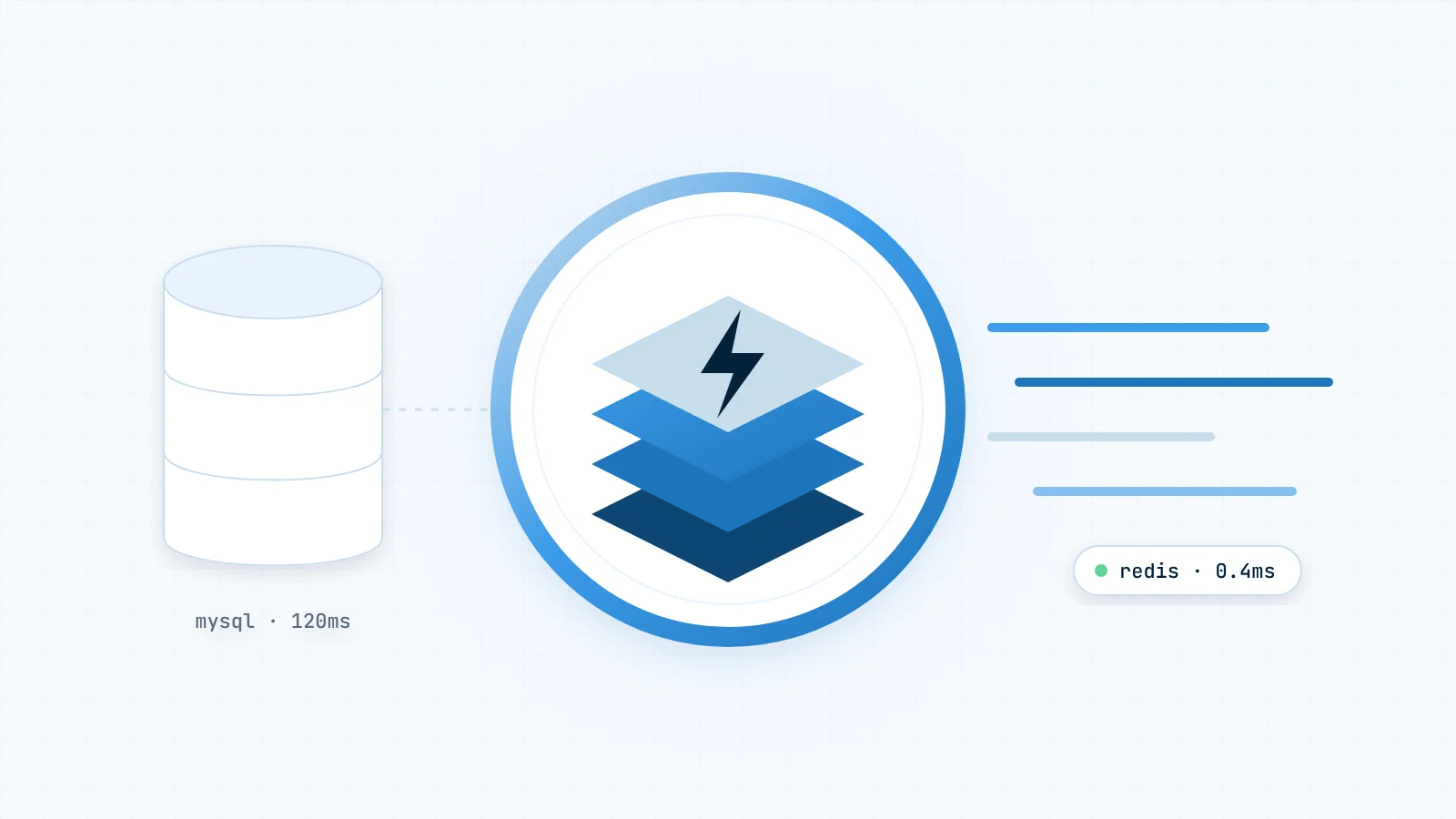
WordPress already caches the results of database queries during a single request. A persistent object cache such as Redis keeps those results in memory between requests, so the next visitor gets the answer without touching the database at all.
Why WooCommerce benefits most
Stores are dynamic by nature. Carts, prices, stock levels and sessions can’t be served from a static page cache, so every request goes back to PHP and MySQL. Cutting the database work on each of those requests is the single biggest speed-up most stores can make.
Getting started
If your host provides Redis, enabling it usually takes two commands with WP-CLI:
wp plugin install redis-cache --activate
wp redis enable
Then watch your hit rate for a few days. A healthy store should see most lookups served from memory.