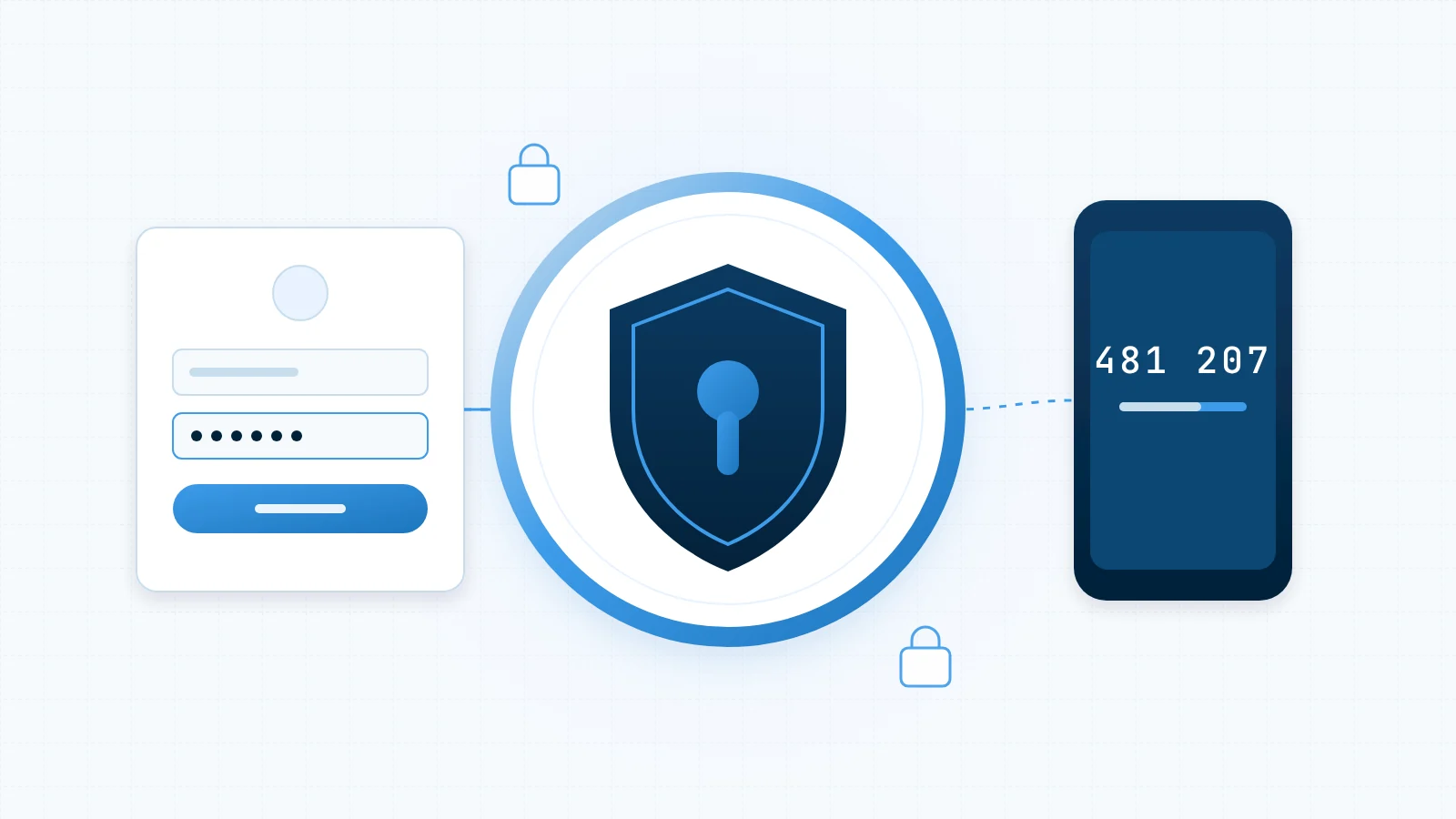
Bots hit wp-login.php around the clock, trying leaked passwords and common usernames. None of the fixes below need a developer, and together they stop the overwhelming majority of automated login attacks.
1. Turn on two-factor authentication
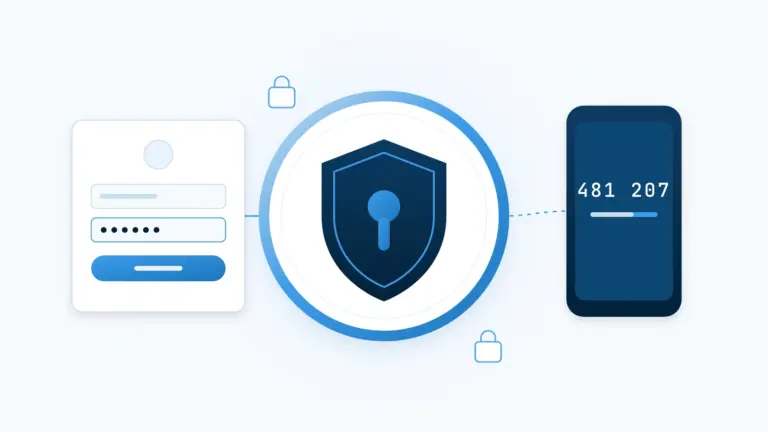
A second factor means a stolen password alone is no longer enough. Use an authenticator app rather than SMS where you can, and require it for every account that can publish or install plugins.
2. Limit login attempts
Rate limiting turns a brute-force attack from thousands of guesses a minute into a handful. Lock out an IP address after a few failures and alert yourself when it happens repeatedly.
3. Retire the “admin” username
It is the first username every bot tries. Create a new administrator with a unique name, attribute existing content to it, then delete the old account.
4. Use a password manager
Long, random, unique passwords are only practical with a password manager. Reused passwords are what make credential-stuffing attacks work.
5. Review who has access
Audit your user list every quarter. Remove former staff and contractors, and downgrade anyone who doesn’t need administrator rights to Editor or Author.
Security is mostly about removing easy wins for attackers. Each of these steps takes minutes, and together they close the door most bots are pushing on.